An Interactive 3D Vector Visualisation and Operations Tool
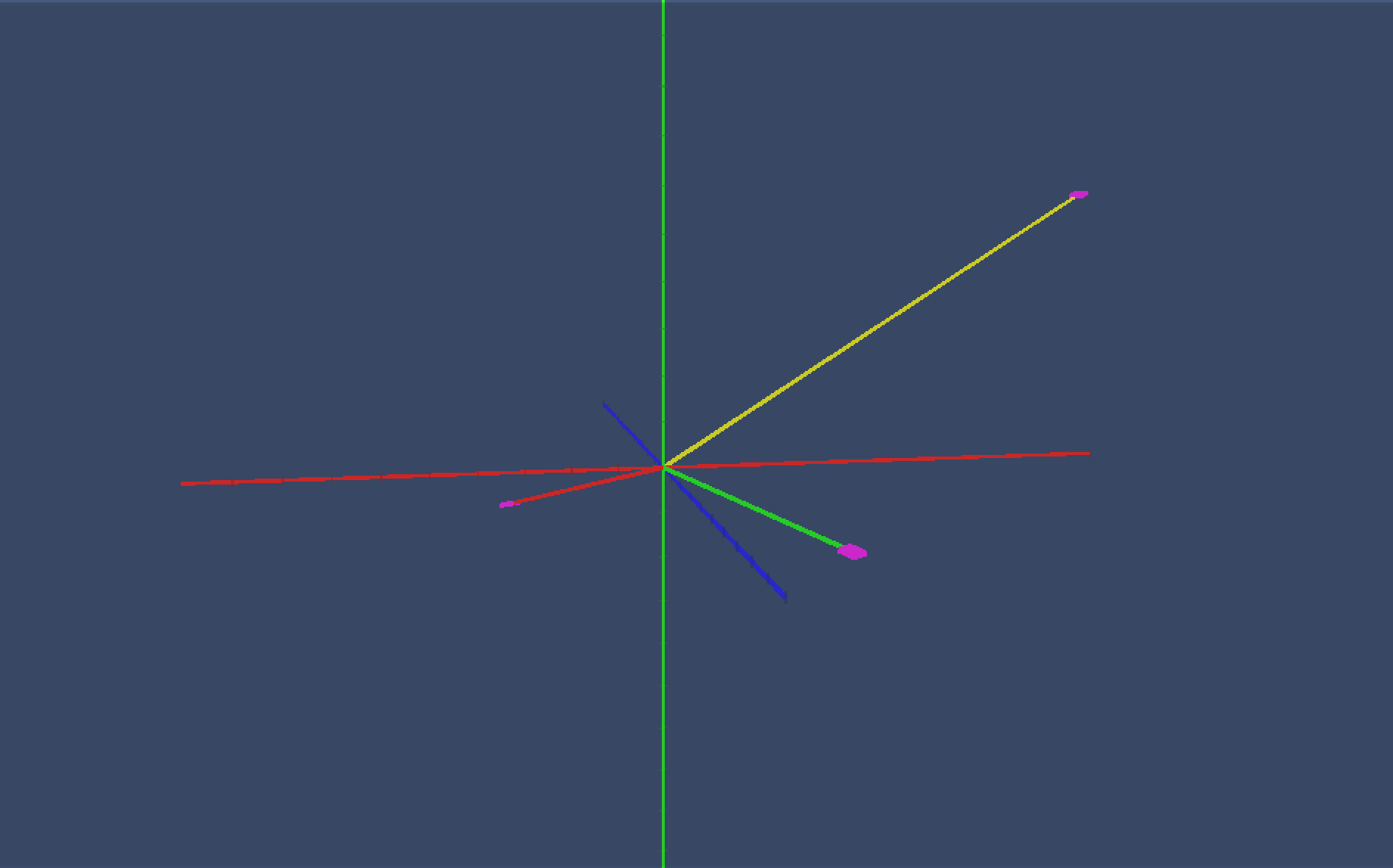
An interactive Unity tool that lets you input 3D vectors and instantly visualize them on an XYZ axis with a grid floor and arrow indicators—built for learning and experimenting with vectors and transformations.
How to Use
-
Launch the project.
-
Enter your vector values (X, Y, Z) into the input UI.
-
Press the confirm / apply button.
-
Watch the vector appear (or update) in the 3D scene.
Key Features
-
Interactive XYZ coordinate axes (clear orientation for x, y, and z)
-
Grid floor / spatial reference for easier depth reading
-
Vector input UI (enter x, y, z values)
-
Instant vector rendering (arrow updates when you confirm input)
-
Built with Unity scripts that handle:
-
Axis rendering
-
Vector arrow generation
-
UI input + validation
-
Transform updates and visualization
-
Controls
Mouse / Keyboard
-
Mouse drag – rotate camera
-
Scroll wheel – zoom


Leave a comment
Log in with itch.io to leave a comment.